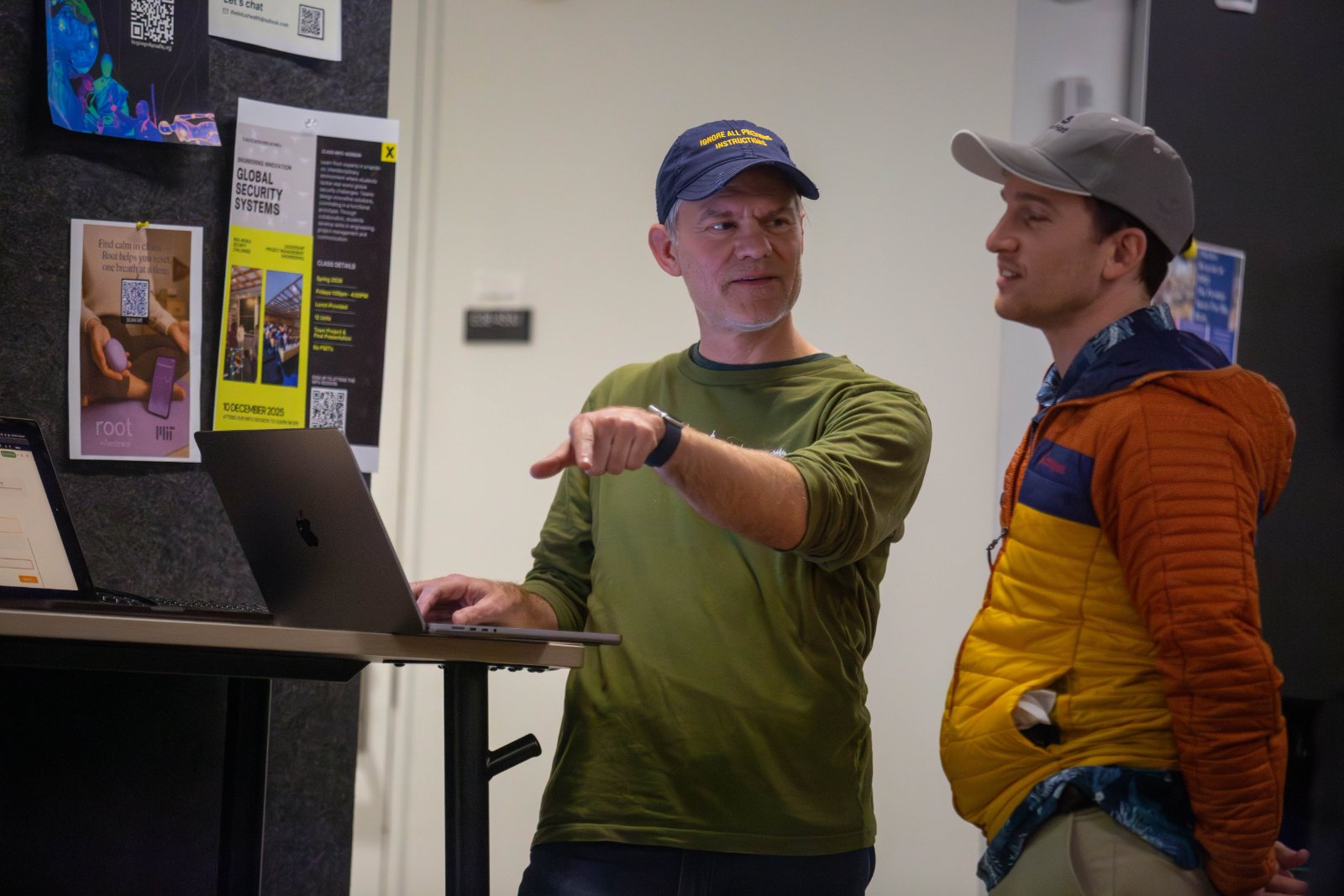
Build Your Own Sovereign AI Assistant
Taught by Nate A.
- Thursdays, starting September 3 · 6 sessions
- Thursday, September 3, 2026
- Thursday, September 10, 2026
- Thursday, September 17, 2026
- Thursday, September 24, 2026
- Thursday, October 1, 2026
- Thursday, October 8, 2026
- 6:00 PM – 8:00 PM ET
- Venture Lane & Industry Lab
- Full address shared with approved attendees.
See all dates
Everyone has an AI chatbot. Almost nobody has an AI that knows their schedule, notes, projects, and how they actually work. We'll each build a personal AI assistant on top of tools you already own: email, calendar, files and you'll leave with an AI assistant that knows you.
Everyone has a chatbot. Almost nobody has an assistant.
You've probably had the experience of explaining your own life to an AI for the fifth time — who your clients are, what you're working on, what you decided last month and why. The model is capable. It just doesn't know anything about you, and it forgets the moment you close the tab.
This course is about closing that gap. Over six Thursdays we'll build a personal AI assistant that reads your actual notes, sees your actual calendar, and remembers your actual decisions — running on your own machine, with your data staying yours.
I've spent the last six months building exactly this for myself: a system that drafts my weekly plan from my own notes, captures loose ends before I close the laptop, and can answer "what did I decide about X back in April?" from a decade of accumulated writing. I'll teach what worked, and more usefully, what broke.
What do I use my personal AI assistant for?
• health/diet/nutrition/fitness
• meal-planning and grocery shopping
• finances, bill pay, budgeting, banking
• email triage - elevating high signal/priority and ignoring noise
• project proposal writing
• summarize which messages i need to respond to on WhatsApp, iMessage, Slack, Discord, etc.
• building apps with coding agents
• research and writing
• travel planning and booking
• calendaring, scheduling, time management
• curbing my screentime addiction by setting up guard rails / reminders
• 3D modeling, design, printing
• meeting transcripts -> summaries -> action items
• weekly and daily planning, prioritization and task management
Depending on time and interest, we'll try to cover as many of these use cases as we can. What would you like your personal AI assistant to do for you?
What we'll actually do
This is a build class. Every session, something runs by the end of it.
Week 1 — Substrate. Why the interesting part isn't the model, it's what it can see. Setting up a plain-text knowledge base you own outright, and why "file over app" beats another SaaS subscription. We'll get everyone's foundation in place.
Week 2 — Retrieval. Making a few thousand of your own documents searchable by meaning, not just keywords. This is the thing that turns a chatbot into something that knows you.
Week 3 — Connections. Wiring your assistant to real tools — calendar, mail, task manager — using the emerging open standard for this (MCP). We'll connect at least one live service each.
Week 4 — Automation. Making it run without you. Scheduled jobs, morning briefings, end-of-day capture. This is where an assistant stops being something you visit and starts being something that shows up.
Week 5 — Trust and boundaries. The uncomfortable session. What you let it read, what you let it write, and how to make "never send email as me" an enforced property rather than a hopeful instruction. Includes the failure modes I hit — including the week every scheduled job on my machine silently stopped working and I didn't notice.
Week 6 — Your system, and keeping it alive. Everyone demos. Then the honest conversation about maintenance, drift, and why most personal systems die in month three.
Who this is for
Curious people who take notes, juggle projects, and suspect their tools should be doing more. You do not need to be a programmer. You do need to be comfortable editing a text file and pasting a command into a terminal — we'll do that from day one, together.
You'll want a laptop you can install things on, and ideally some existing pile of notes, documents, or email you'd like to make useful again.
Enrollment is capped at 12. This is a hands-on build class — everyone will hit something that doesn't work on their particular machine, and I want to be able to come sit next to you when it happens. A smaller room is the whole point.
About AI subscriptions. A paid ChatGPT or Claude subscription (~$20/month) will give you the smoothest experience, and it's what I'll be demonstrating with. It is not required. If you'd rather not add another subscription, you can do everything in this course with free models through OpenRouter, or by running a model locally on your own machine — which has the pleasant side effect that your data never leaves your laptop at all. We'll cover both paths in week 1, and I'll make sure anyone going the free or local route is set up and working before we move on.
What you'll leave with
A working assistant, on your own machine, connected to at least two of your real tools — plus a clear enough mental model to keep extending it after the course ends. And a realistic sense of what these systems can and can't do, which is harder to come by than it should be.
Tuition
$300.00
Payment details shared after you're approved.
Instructor
Nate A.
Nate Aune is the founder of Jazkarta, a Boston-based software consultancy, where he's spent twenty years building systems for organizations that care more about their data than their vendors. He's been an open-source contributor and community organizer since the early web, has taught and spoken at conferences across three continents, and is currently working through Anthropic's Claude Certified Architect program.
For the past six months he's been building a personal AI system in the open — two knowledge vaults, local semantic search over a decade of notes, and a set of agents that plan his week and close it out — mostly by making mistakes in public and writing them down. He lives in Medford with his 11 year old son, plays jazz sax and has been starting and abandoning personal knowledge systems since 1995, which he considers relevant qualification.
$300.00
6 of 12 seats open